
Microsoft Word
Microsoft Word is Microsoft's word processor and part of Microsoft 365. This page explains who it suits and how to get it on Windows.
289.2 MB
Windows Calculator is Microsoft's free calculator app for Windows, open source under the MIT License and updated through Microsoft Store.
Average 0.0 · ratings: 0
Thank you! Your rating is saved; you can change it. Could not save the rating. Please try again later. Too many ratings from your network today. Please try again tomorrow. The average appears after 5 ratings.
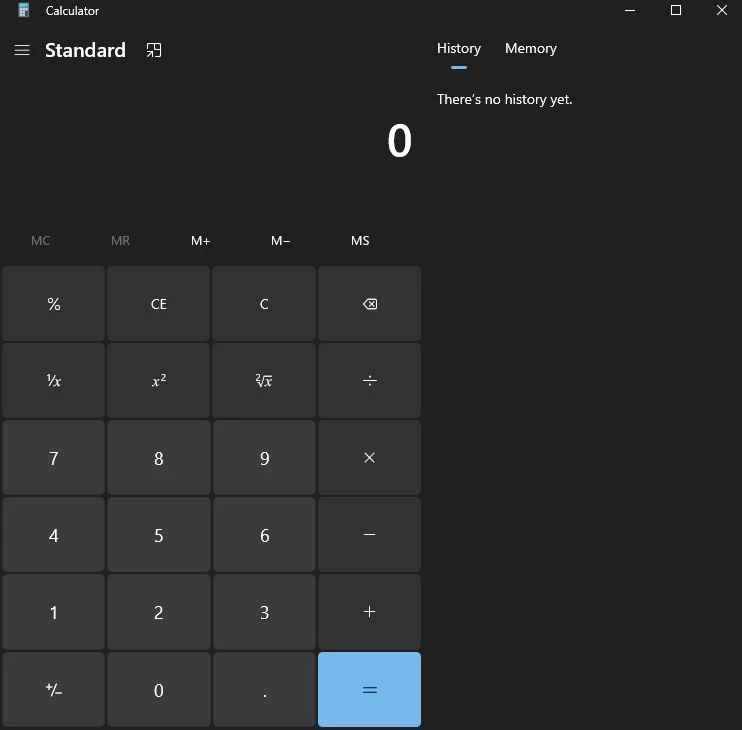
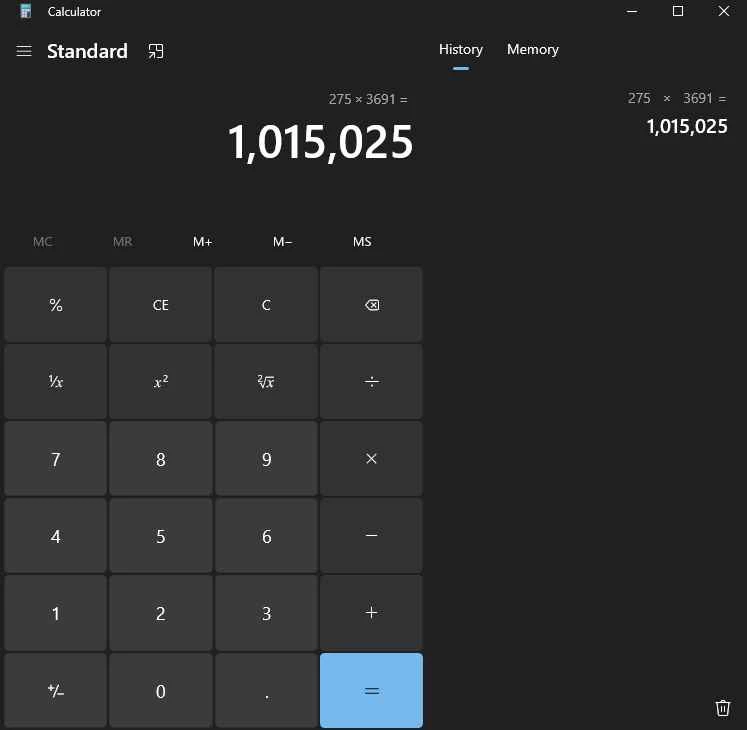
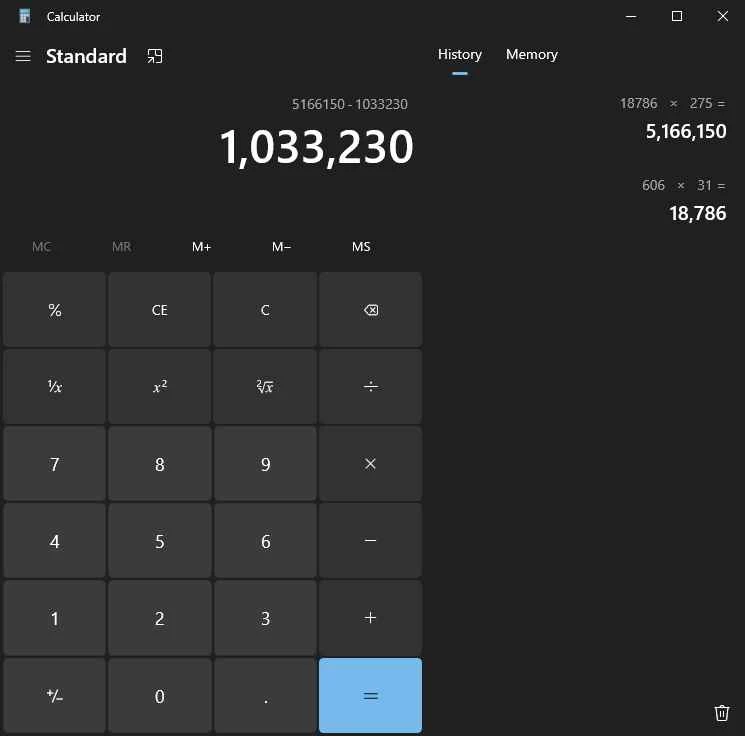
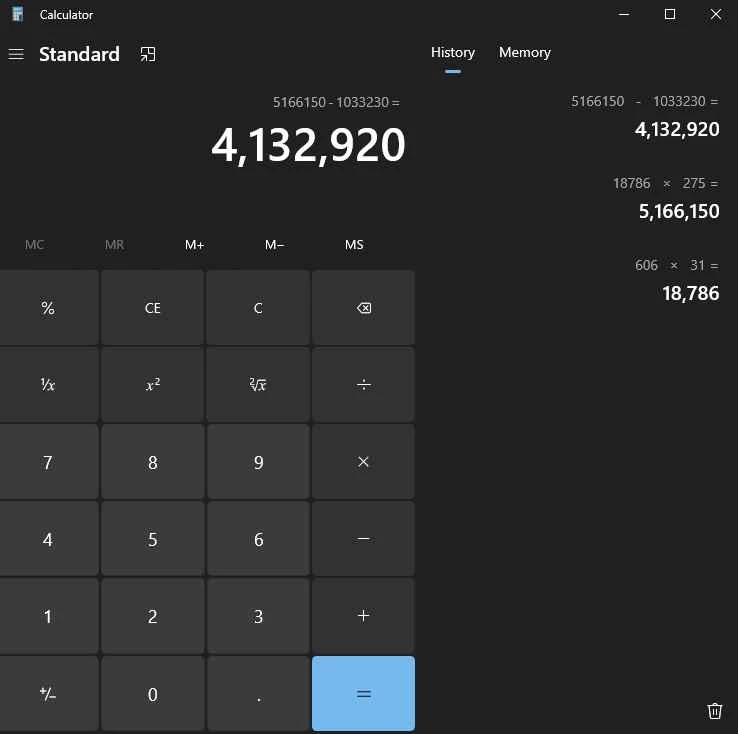
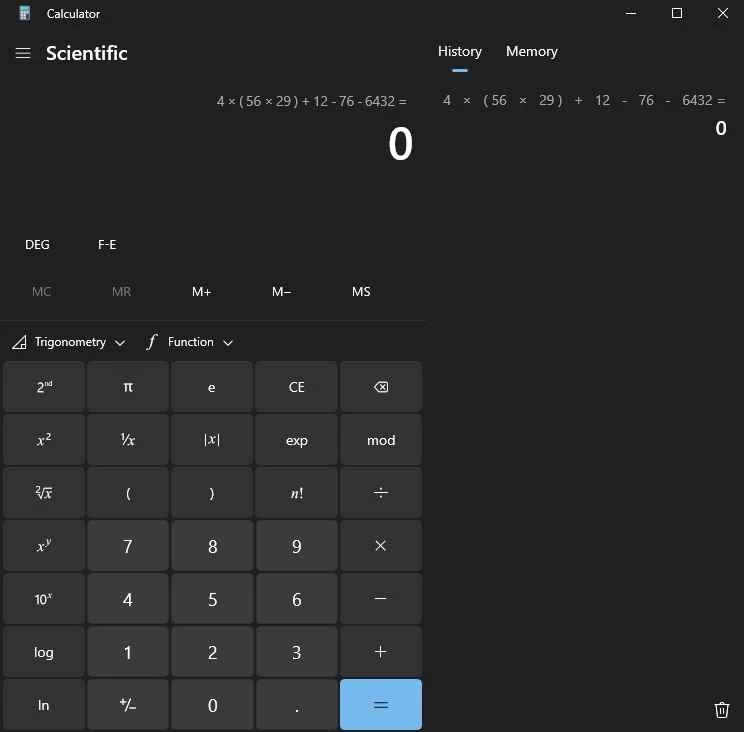
Windows Calculator 2021.2607.0.0 is Microsoft's calculator app for Windows, part of the system since 1985 and now open source under the MIT License. It comes preinstalled, and if it is missing or broken you can download Windows Calculator again from Microsoft Store.
The calculator has been with Windows since its first version in 1985, and for most people it is still the quickest way to add up a bill or check a percentage. Over the years it has grown into several tools in one app. The standard mode covers everyday arithmetic, the scientific mode adds functions for school and engineering, and the programmer mode works with binary, octal and hexadecimal numbers for developers. A converter handles units such as length, weight, temperature and currency, and a date calculation mode tells you how many days lie between two dates. Since Microsoft published the source code on GitHub, the app is developed in the open: anyone can read the code, report bugs and suggest changes. Updates arrive through Microsoft Store rather than with Windows updates, which is why its version number looks different from the Windows version.
Calculator is a Windows app; the Microsoft Store listing shows which Windows versions the current release supports. It runs on regular PCs as well as on ARM-based devices.
The only source you need is Microsoft Store, or the official page. Installers named "Windows Calculator" on download portals are not from Microsoft and may bundle unwanted software.
Windows Calculator is free.
Use the history panel to review earlier results, and keep the calculator on top of other windows when you copy numbers from a document. Keyboard shortcuts switch between modes quickly, which saves reaching for the menu.
On some company PCs or trimmed Windows installations the app may have been removed. Microsoft Store brings it back in a minute, unless the administrator has blocked the Store; in that case ask your IT department. On home PCs, a Reset from the Apps settings fixes most cases where the window opens and closes immediately.
For heavier number work, our site lists Google Sheets and LibreOffice for spreadsheets.
Microsoft Word is Microsoft's word processor and part of Microsoft 365. This page explains who it suits and how to get it on Windows.

Microsoft Office 2010 is an office suite for Windows released in 2010; Microsoft ended its support on 13 October 2020 and recommends Microsoft 365.

Microsoft Office 2019 is a one-time purchase edition of Microsoft's office suite for Windows 10 and macOS, released in September 2018.

Adobe Reader XI (11) is an older version of Adobe's free PDF viewer for Windows; its support ended in October 2017 and Adobe Acrobat Reader is the successor.

Adobe Acrobat Reader is Adobe's free Windows application for opening, reading, printing and commenting on PDF documents.

iLovePDF Desktop is the Windows app of the iLovePDF service: merge, split, compress, convert and edit PDF files on your PC without uploading them.

Microsoft Excel is Microsoft's spreadsheet program for calculations, tables and data analysis. Build 16.0.19725.20152 is a current Windows release.

Microsoft Office 2007 is a Windows office suite released in 2007; its support ended on 10 October 2017, and Microsoft recommends Microsoft 365.